 NEITSCH
Blog / Litigation operations
How litigation teams use Aeolis CaseFile to see the whole case
Turn scattered litigation papers into a working case file, trace relationships in Case Map, and use local AI to test strategy against the record.
Start with the folder you actually received
A litigation team inherits a matter with pleadings, exhibits, emails, orders, and scans in one folder. Before anyone can decide what to do next, the team has to establish what was filed, what the court decided, and what remains open. Aeolis CaseFile sorts and indexes those papers on a Windows PC so counsel can begin working from a single case file.
- Import the mixed folder. Drop in the papers together. CaseFile sorts them into litigation sections, indexes searchable text, and preserves the originals. Use Windows OCR for scans and review the resulting classifications.
- Reconcile the docket. Import a supported trial, federal, or appellate docket and check the populated case details. Match filings to docket entries and flag missing papers for follow-up.
- Verify dates before calendaring. For each suggested deadline, open the cited source and check the current rule, case-specific orders, and applicable service details. Calendar the date after review.
- Prepare the client handoff. Review what you intend to share for privilege, work product, and other restrictions. CaseFile can export an organized case ZIP with an index, reports, and file fingerprints.
Trace how filings, hearings, and rulings relate
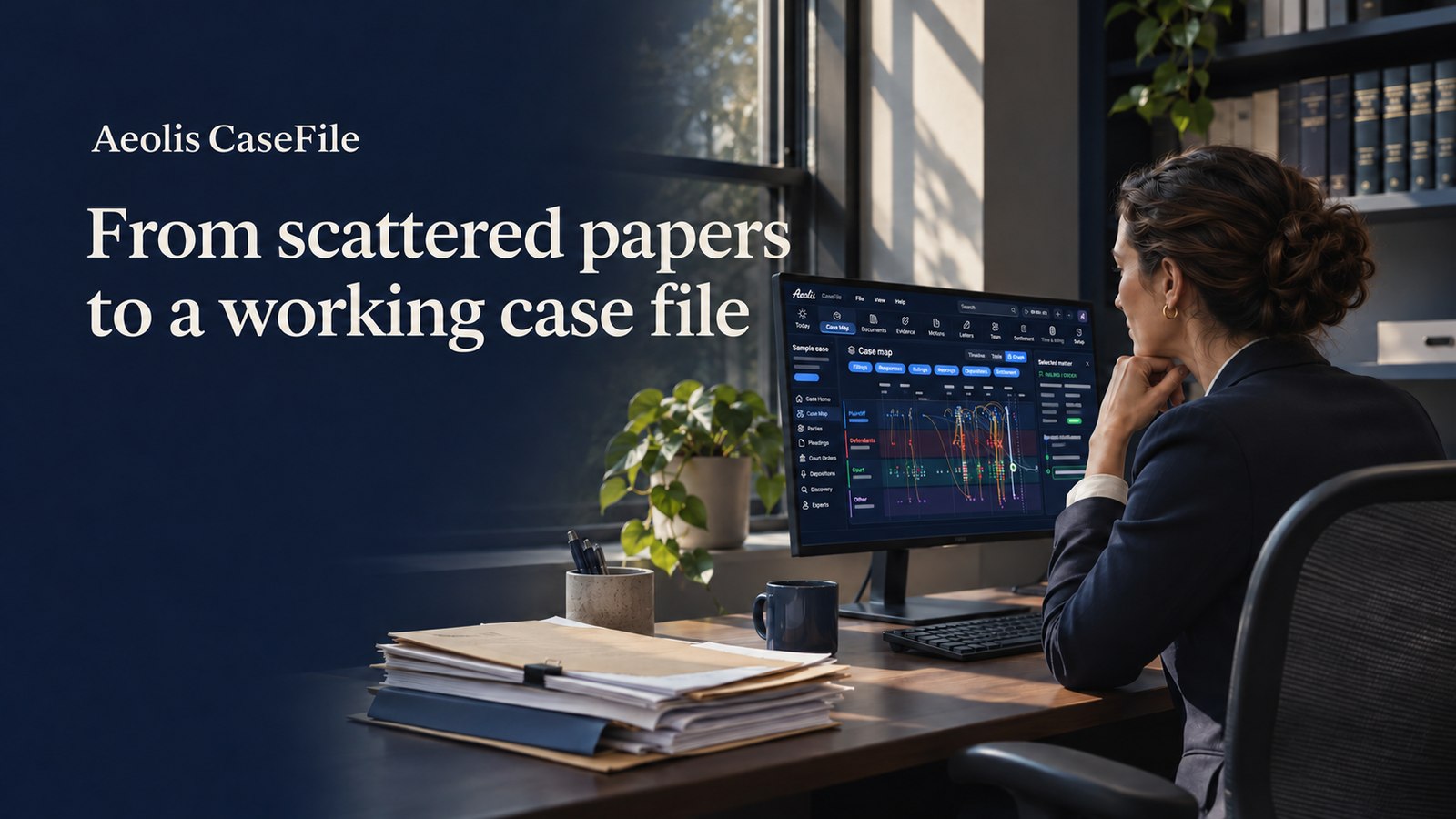
Case Map’s distinctive feature is the relationship view. Open a motion and review its supporting papers, opposition, reply, associated hearing, and resulting order. The map shows which events belong to that thread even when unrelated filings fall between them on the docket. Review automatic links and add or correct links where needed.
Consider a motion that is briefed, continued, and granted in part. With each event linked, counsel can follow the motion through both hearing dates to the ruling, open the written order, and identify what remains unresolved. The same view helps a colleague taking over the matter see which events belong together and which documents still need to be located.
Use legal insights to test a strategy
Case 360, Insights, and statistics help counsel review motion outcomes and spot questions worth investigating. With optional local AI, ask which pages address a disputed issue, summarize a filing, or locate support for a chronology. Open the cited pages to verify each material point and read the surrounding context.
Use Wargame to test a possible next move from the perspective of opposing counsel or the court. In the partially granted motion example, counsel could compare a focused follow-up on the unresolved issue with gathering more evidence first. Ask what could undermine each approach, which facts or documents are missing, and which authorities or dates need independent verification. Treat the output as a set of questions to investigate. Counsel decides the strategy and verifies authorities, deadlines, and factual assertions before relying on them.
The optional AI model runs on the PC. Case files can be stored locally or on the firm’s own server. Apply the firm’s access, confidentiality, and review procedures throughout the workflow. ABA Formal Opinion 512 discusses competence, confidentiality, supervision, and fees when lawyers use generative AI. CaseFile privacy and AI · ABA Formal Opinion 512
What CaseFile costs per attorney or seat
Assume eight matter intakes or file cleanups a month per paid seat, or 96 a year. The table uses annual billing and spreads it over that illustrative workload. Include staff seats and any server costs in a firm budget.
| Plan | Avg. per matter | Per month | Per year |
|---|---|---|---|
| Solo | $4.06 | $32.50 | $390 |
| Firm | $6.15 | $49.17 | $590 |
| Firm + Teams | $8.23 | $65.83 | $790 |
Monthly billing is $39 for Solo, $59 per user for Firm, and $79 per user for Firm + Teams. The Pro Se edition is free for one active case. CaseFile plans and pricing
What 25 minutes per matter would mean
At an assumed internal staff cost of $45 an hour, recovering 25 active minutes per matter across eight matters yields 3 hours and 20 minutes of capacity, valued at $150 for the month. Subtract the $39 Solo monthly fee and the example leaves $111 in estimated time value before setup and overhead. At five minutes per matter, the recovered time is worth $30, below the monthly fee. Value attorney review separately and use your actual staff cost. Recovered capacity affects cash spending when it reduces expenses such as overtime or temporary staffing.
Pilot it on a closed matter
Pick a closed matter with a known docket and a mix of filings, scans, and orders. Time the usual workflow and the CaseFile workflow through a verified index, a linked motion thread, and a checked deadline list. Track staff time, attorney review, and corrections separately. Compare the finished work for missing papers, incorrect links, and whether another lawyer can pick up the case from the result.
Walk through a client handoff · Start the 30-day CaseFile trial