NEITSCH
Turn a litigation folder into a client-ready case file
Use a sample matter to see how your team can organize filings, trace what happened in Case Map, and check an export before handing it off.
CaseFile workflow preview
Three steps to test
- Import a mixed folder. Use a closed sample matter containing a pleading, motion, opposition, and order. Check where CaseFile places the files and open the OCR text for a scanned page.
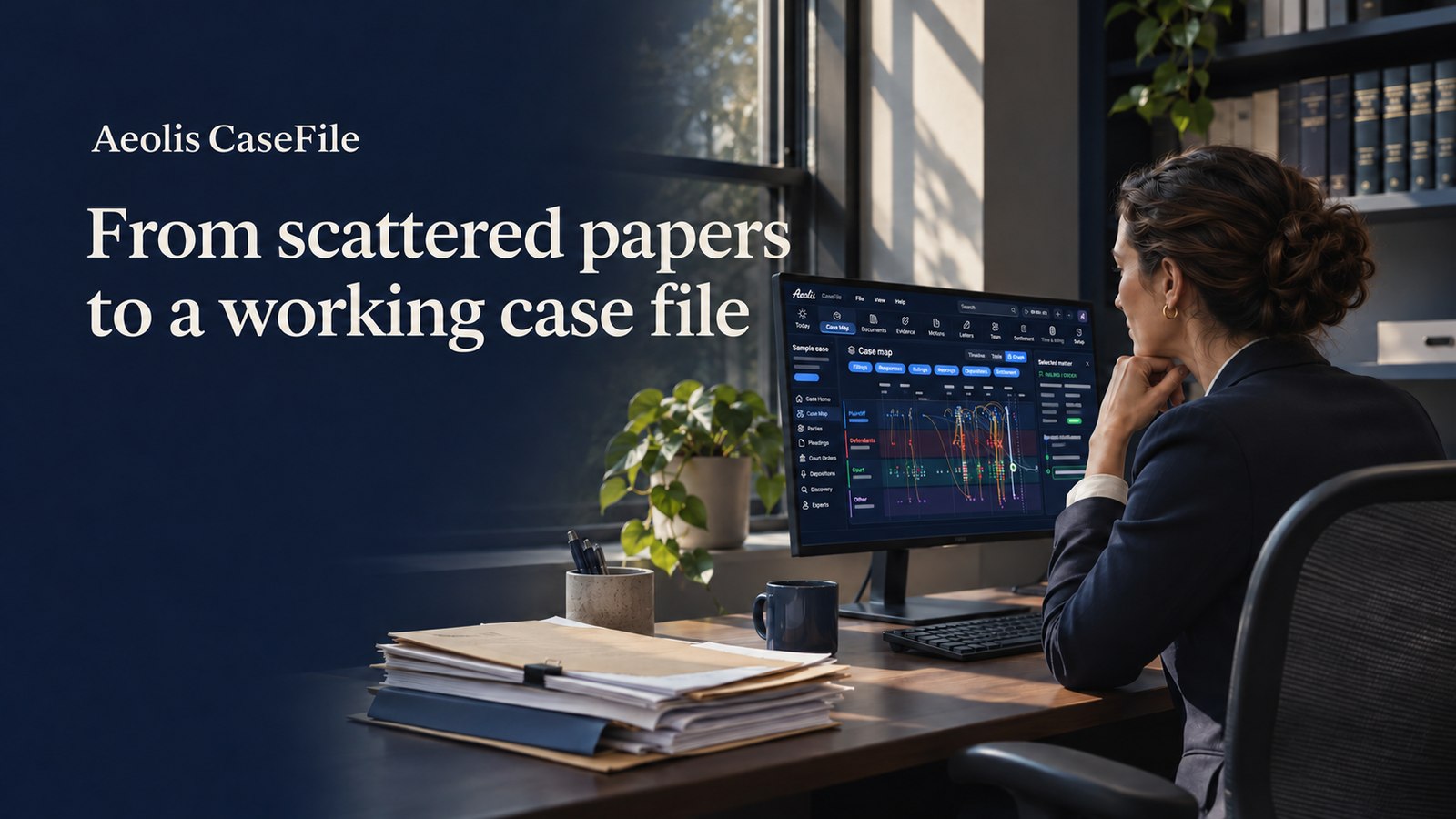
- Follow a motion in Case Map. Connect the filing, hearing, and ruling. Open the underlying order and confirm that the connection and dates match the documents.
- Prepare a client handoff. Check the documents for privilege and sharing restrictions. Inspect the export ZIP, its index, and its file fingerprints before sharing it through your firm’s approved channel.
Measure how long another team member takes to find the latest order and verify the export against the originals. Use the result to decide whether to roll out a trial to more seats.
Aeolis CaseFile
See the relationships in Case Map